GPS Tracking - demonstration of GPS map software
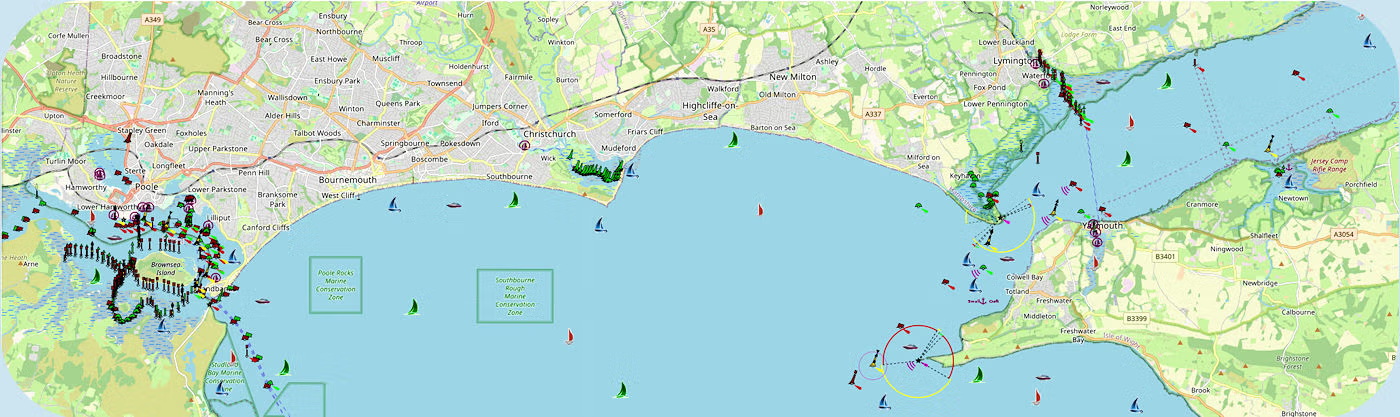
Customers with accounts can click here to go to your account's map. Potential new customers will find a link below to our demo/test copy of the map. This has limited functionality, but as the vessels you see are real, you can get a good idea of the accuracy and also play back their recent history.
Using the GPS Tracking Software with a Smartphone
There are two different types of web page layout for you to use. The first one is for smartphones or small tablets. Here you enter the menu and select the object you want to track — remember to start by first selecting 'Objects' from the menu (top left of the screen). In Objects, once you click on the icon you want, it will close that page and take you to the 'Map' and the object's location. Repeat the procedure for each object.
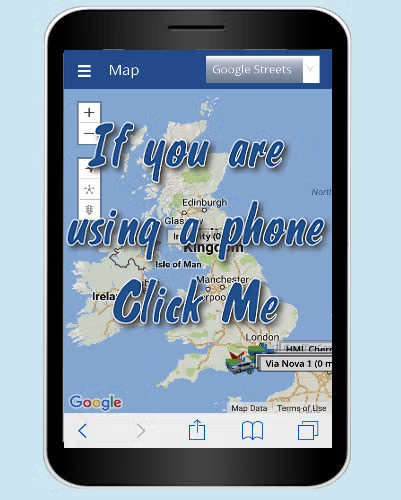
Click the image to go to the matching page
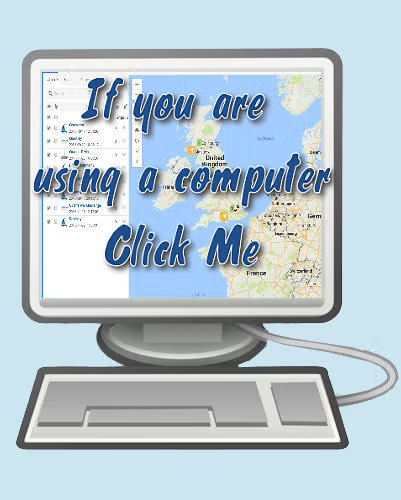
Using the GPS Tracking Software with a Computer
The second option is for PC, Mac, or large tablet. It works best if you have a normal or large-sized screen, and shows both the 'Objects' and the 'Map' together on the same page. You then just need to click on the icon next to the object you are interested in, to see where it is. This will work for most screens. This option also allows for more options (see the online Help Files located at the top left of this screen).